Integrate DTG Into Screen Printing Workflow: A Production Manager’s Plan for a Stable Hybrid Upgrade
When you integrate DTG into screen printing workflow, the goal isn’t “add a digital printer.” The goal is finished, shippable garments per shift – without disrupting your screen line’s rhythm, which means, a whole Hybrid Printing Setup.
Most integration failures come from the same root cause: teams buy for print capability, but under-design the material flow, curing capacity, job routing, and uptime routine. This hybrid printing setup guide focuses on those production realities, with a workflow-first approach aligned to hybrid systems that are designed to mount into existing carousel lines. fluxmall.com
Add DTG station to carousel
“On-press” digital station
This is what most production managers mean by “add DTG station to carousel”: digital becomes a station in the same production flow. The upside is fewer handoffs and more consistent takt time – if your curing/handling is engineered to keep up. Hybrid systems positioned for carousel mounting are explicitly designed around this concept. fluxmall.com
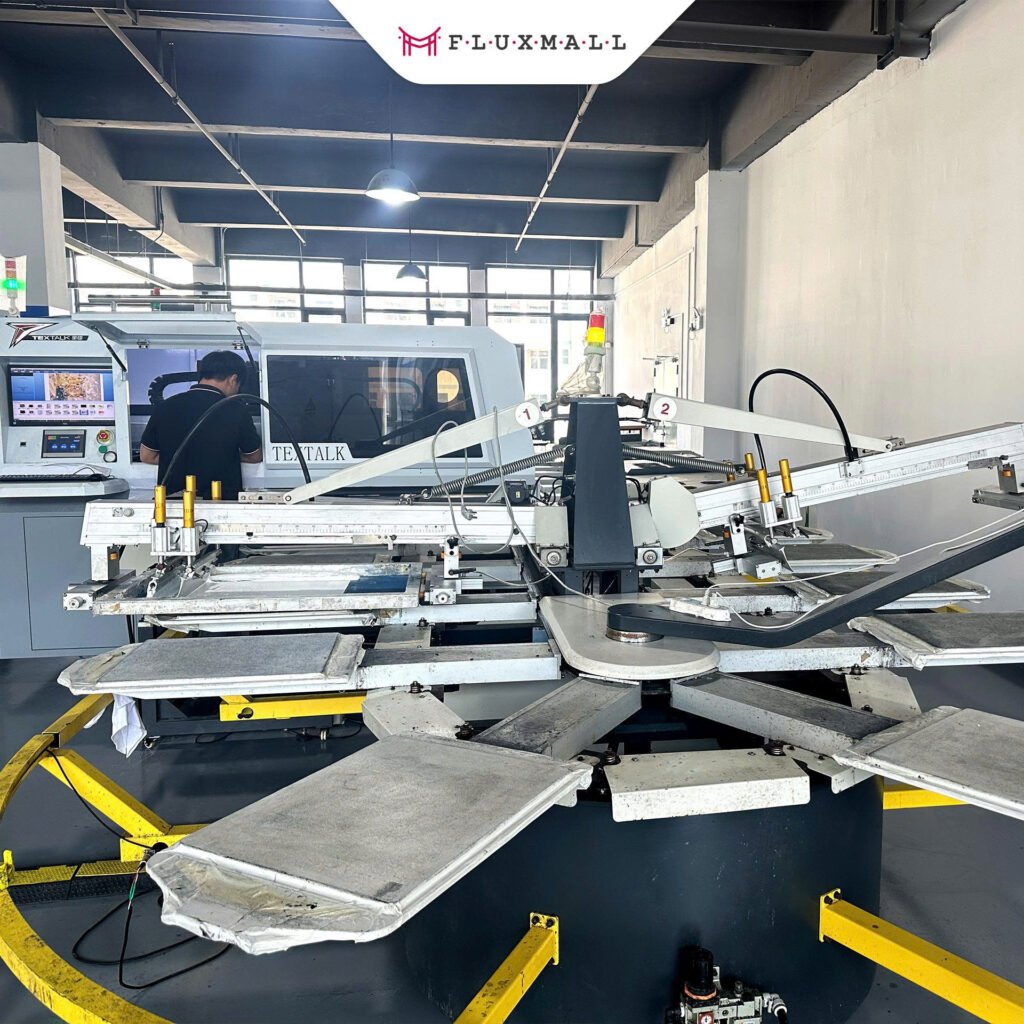
Hybrid printing setup layout: Space, stations, and movement that won’t choke throughput
A hybrid workflow layout should be designed like a line: where garments stage, where operators stand, and where finished pieces exit – so nobody walks unnecessary meters per garment.
Here’s the layout logic that keeps hybrid stable:
Keep the press “breathing room” intact.
When you integrate a digital station into a carousel environment, you still need safe clearance for loading/unloading and for maintenance access. Plan this early, because layout compromises become daily inefficiency. fluxmall.com
Treat curing as a primary station, not an accessory.
Hybrid output rises fast once you route more work digitally. If your curing capacity doesn’t scale with it, you’ll see WIP piles, overtime, and inconsistent results. (In real production, “print speed” rarely remains the constraint.)
Place pretreat and drying where they don’t create cross-traffic.
Even if only some jobs require pretreat, the worst layout pattern is making operators cross the press pathway to reach pretreat/drying. That’s how collisions and handling errors creep in.
If you’re mapping stations, it helps to think in zones: inbound blank staging → printing zone → curing/finishing zone → QC/pack-out. Support and service readiness also matters when you’re planning a line designed to run daily. fluxmall.com
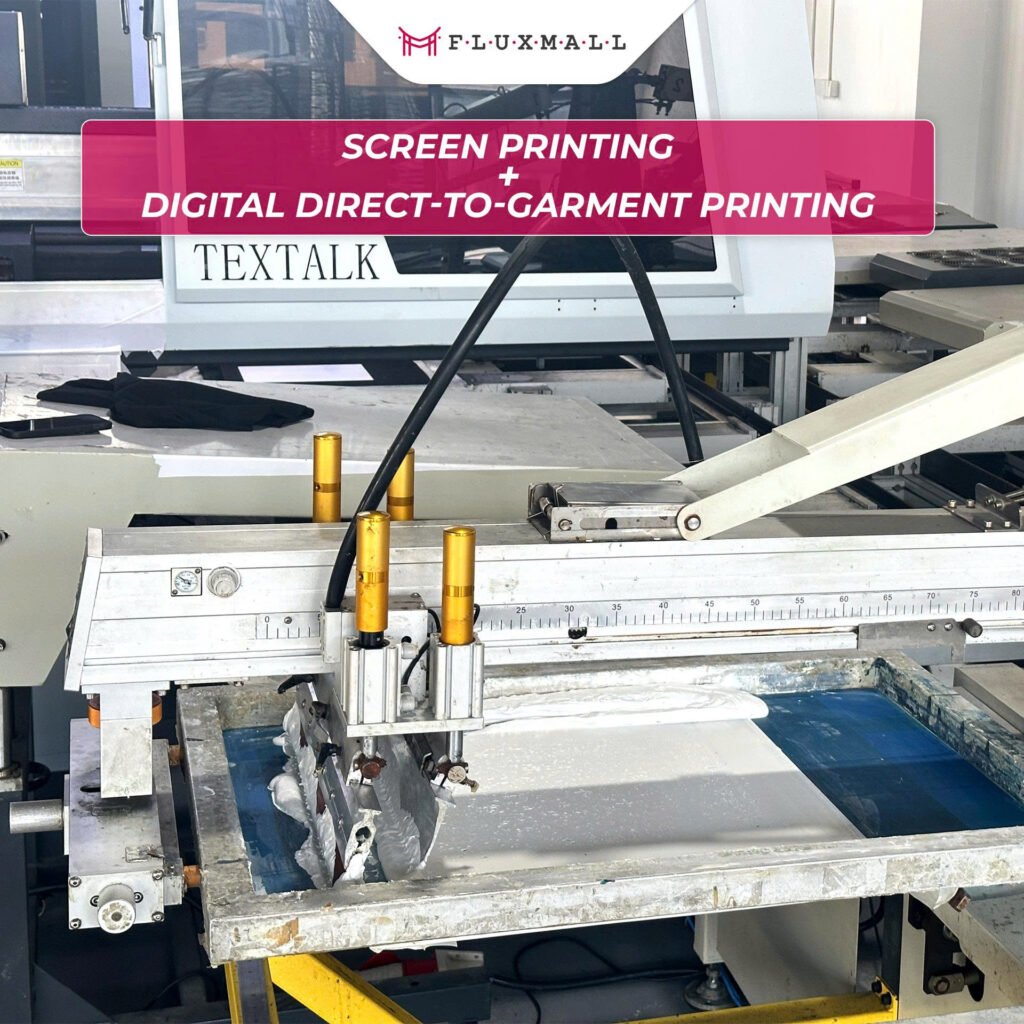
Inline integration: Designing a continuous, repeatable flow from file to finished garment
Inline integration works when you make two things non-negotiable: (1) clear job routing rules and (2) standardized finishing conditions.
Job routing rules (so decisions aren’t made on the floor)
Before you print the first hybrid shift, define which jobs go:
- screen-only,
- DTG-only,
- hybrid (screen base + digital detail, or digital station within the line).
Routing is usually determined by run length, design complexity, garment color, and promised lead time. When routing isn’t standardized, you get the two biggest throughput killers: frequent changeovers and rework spikes.
Finishing standardization (so quality doesn’t drift by operator or shift)
Hybrid introduces more combinations of ink laydown and curing needs. Your SOPs should answer, in plain language:
- what “ready to cure” looks like,
- what curing settings apply by job type,
- what fails QC immediately vs what can be reworked.
This is also why production buyers prioritize systems built for stable operation and seamless integration into existing lines. fluxmall.com
Maintenance as part of takt time (not an afterthought)
Inline hybrid fails when maintenance is “something we do when we have time.” Production stability improves when you schedule maintenance as a planned micro-stop with ownership and timing, so uptime is predictable instead of reactive. Support depth and response model become part of your production plan once DTG is on the critical path. fluxmall.com
Production line upgrade: Practical steps to integrate DTG without destabilizing output
A hybrid printing setup should be rolled out in stages. The fastest path to stability is to control variables early, then expand.
Step 1: Pilot with a controlled job mix
Start with a small set of SKUs and two artwork types (one heavy solids, one gradients/detail). Your goal is repeatability: same output quality, same takt time, same first-pass yield, day after day.
Step 2: Lock the SOPs before you expand volume
Document what your operators actually do when things go right: loading method, alignment checks, curing timing, QC checkpoints. The SOP becomes your scaling tool.
Step 3: Scale by station capacity, not by ambition
Increase hybrid volume only when your slowest station can keep up. In most shops, that’s curing/finishing or job handling, not the printer.
Step 4: Build a recovery plan for downtime
Decide in advance what happens if the digital station is down: which jobs reroute to screen-only, which shift to a side-cell, and what service/escalation path is used. This is where strong after-sales support and technical readiness materially reduces risk. fluxmall.com
If you’re exploring hybrid systems designed specifically to integrate into a carousel environment (rather than building a custom workaround), Fluxmall’s hybrid integration and Textalk hybrid overview pages outline the intended production model and positioning. fluxmall.com
Integrate DTG into screen printing workflow FAQ
Will hybrid printing setup slow down my carousel?
It can, if curing/handling becomes the bottleneck or if routing rules aren’t standardized. Hybrid should protect your screen throughput by routing complexity to digital while keeping the line’s flow predictable.
How much space do I need to add DTG to a carousel line?
Enough for safe operator movement, garment staging, and maintenance access, plus the finishing footprint required to keep up with output. Space planning should be done around station-to-station movement, not around the printer alone.
What’s the most common mistake in hybrid upgrades?
Buying capability before designing the line. If you don’t plan for finishing capacity, QC rhythm, and downtime recovery, output becomes unpredictable even if print quality is great.
If you want, share your current press type (oval/round), shift model, and top garment mix (light vs dark, pretreat frequency). I can map a “minimum-disruption” integration path and a stable station layout sequence for your workflow.